Split Templates by Product
Change the template to output depending on the product within the same order.
It cannot be used unless “Route by template” is turned ON.
- Example) Only frozen food is shipped separately.
- Example) I want to ship only reserved items later.
↓Example where products with the product tag “冷凍食品” (frozen food) use the Yamato Transport template
(Order #1514 has been split between Yamato Transport and Yu-Pack.)
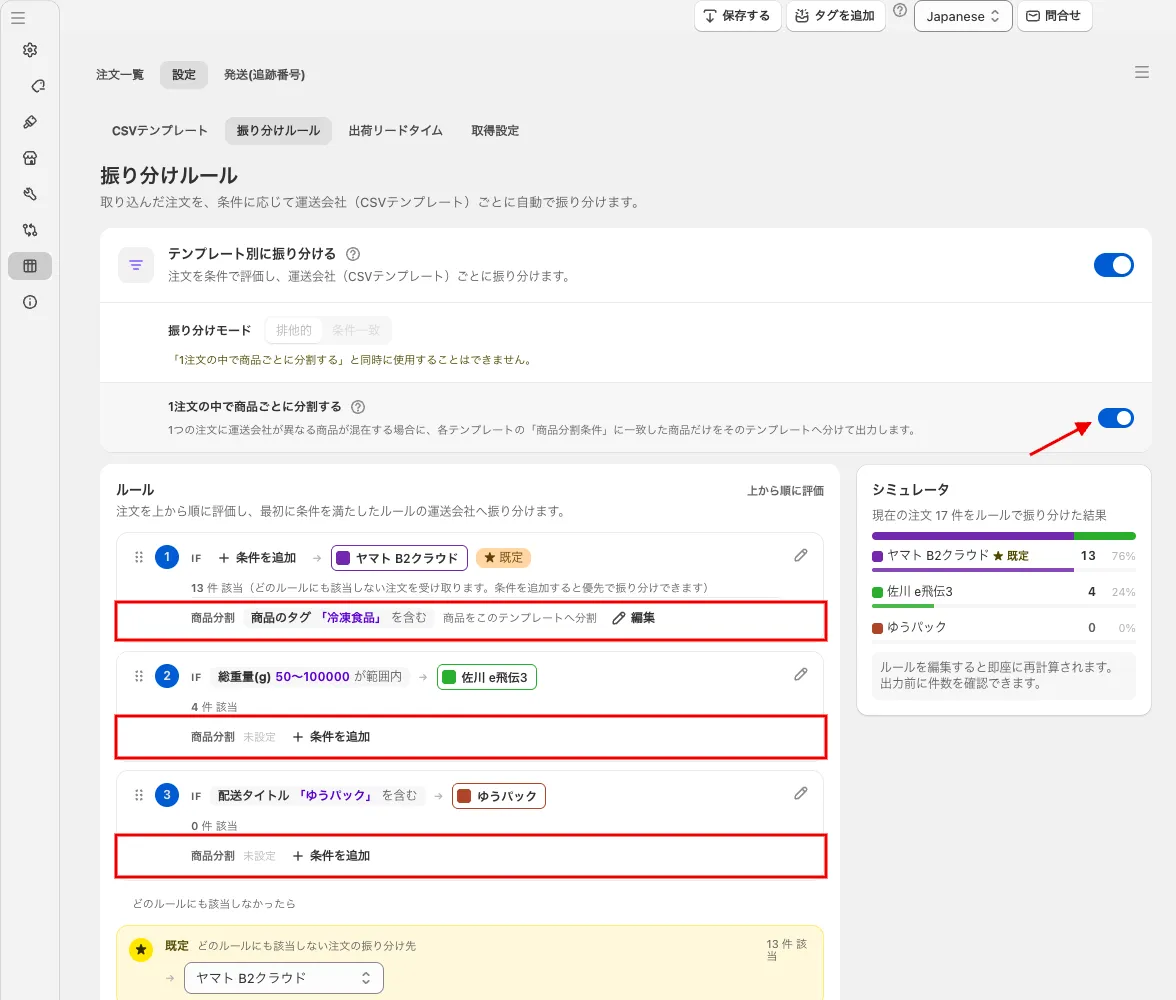 Turn on “Split items within an order” in the routing rules, and add a condition (here, the product tag contains “冷凍食品”) to the item-split field of each rule. While this setting is ON, the “Routing mode” cannot be changed (it cannot be used together with “Split items within an order”)
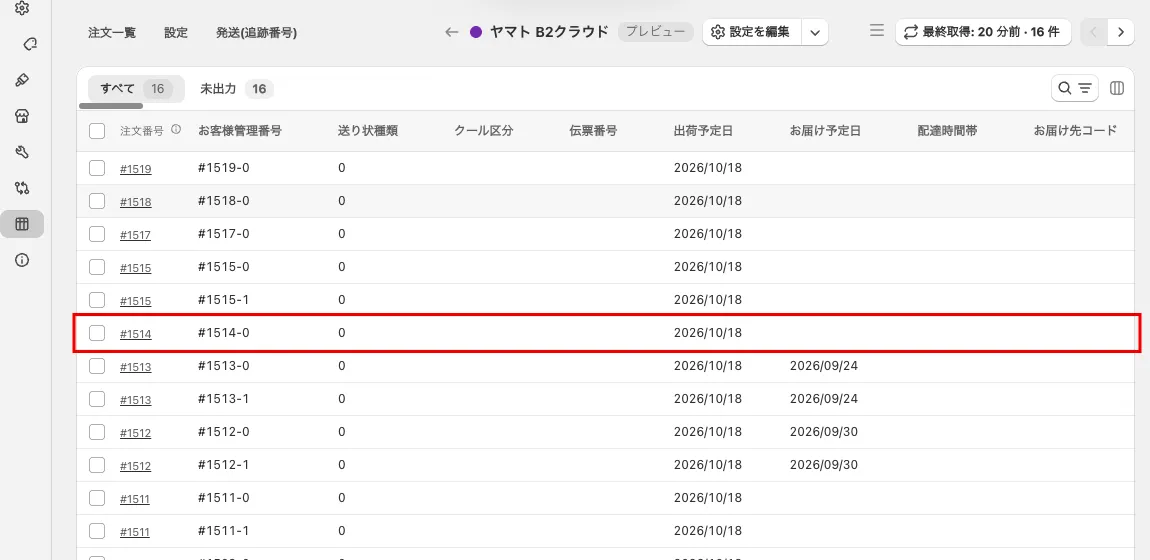 Preview of Yamato Transport (Yamato B2 Cloud). #1514 is split
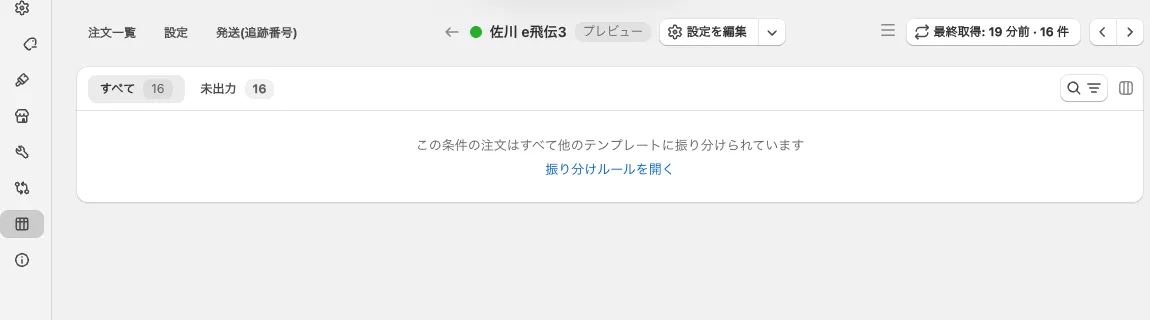 Preview of Sagawa Express (Sagawa e-Hiden 3) (no match: “All matching orders are routed to other templates” is shown)
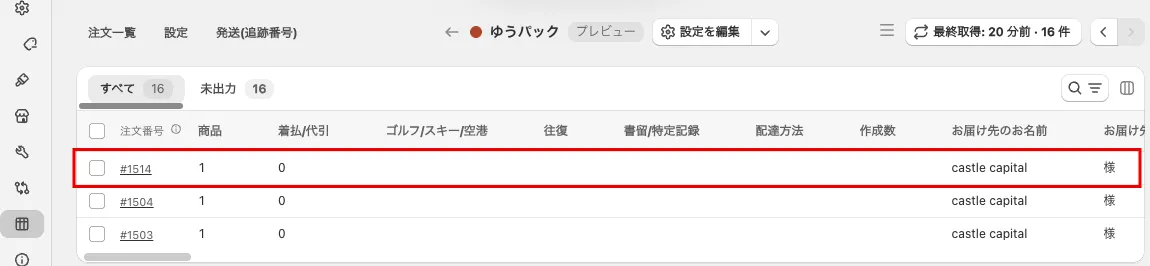 Preview of Yu-Pack. #1514 is split