Output the Line Item Property of Each Product
You can output the Line Item Property of a product as follows.
-
In the template’s edit screen, under “Split settings for this template”, choose “Split every row”.
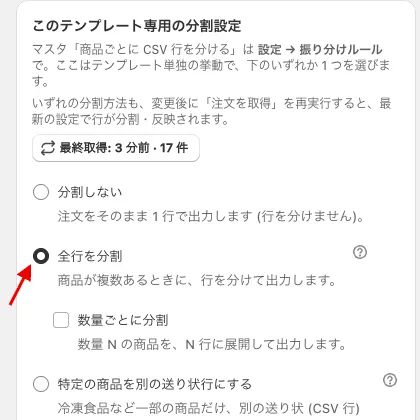 Choose “Split every row”
 -
Click the relevant row of the field definitions to edit its value, choose the line properties of the product as the target field, enter the value used as the Key (label, title) of the Line Item Property, and set the output to “Matched value (value of the tested field)“.
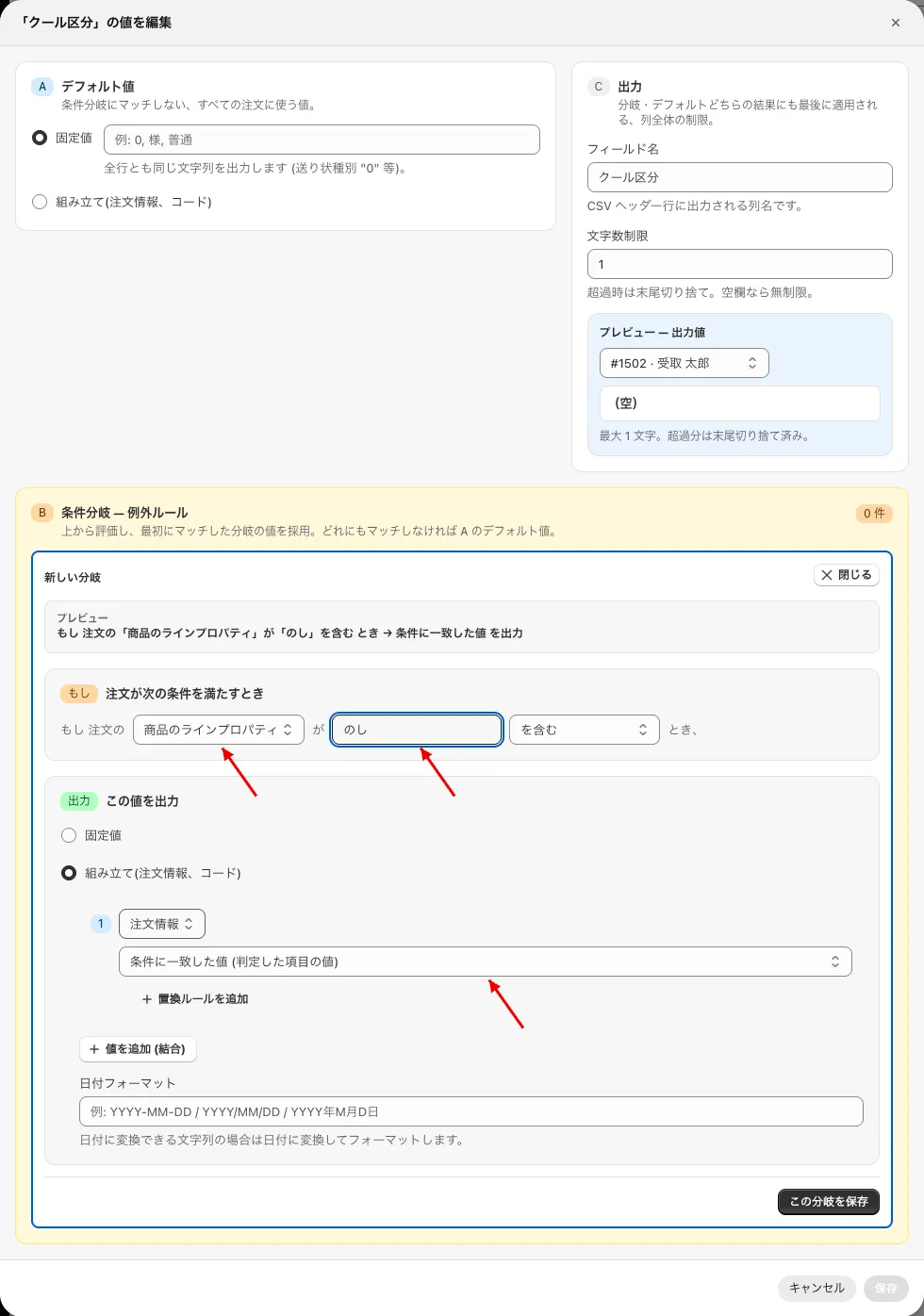 Set the target field to “Product line properties”, enter the Key (in this example “のし” — the gift-wrap label) as the value, and set the output to “Matched value (value of the tested field)”