Select the Template to Output from the Order Details
The template to output is decided from the order contents and conditions (Settings → “Routing rules”).
- Example) Normal delivery goes to Yamato Transport, heavy orders go to Sagawa Express, and light orders go to Click Post.
↓Normal delivery goes to Yamato Transport, heavy orders to Sagawa Express, and orders whose delivery title is “ゆうパック” (Yu-Pack) to Yu-Pack.
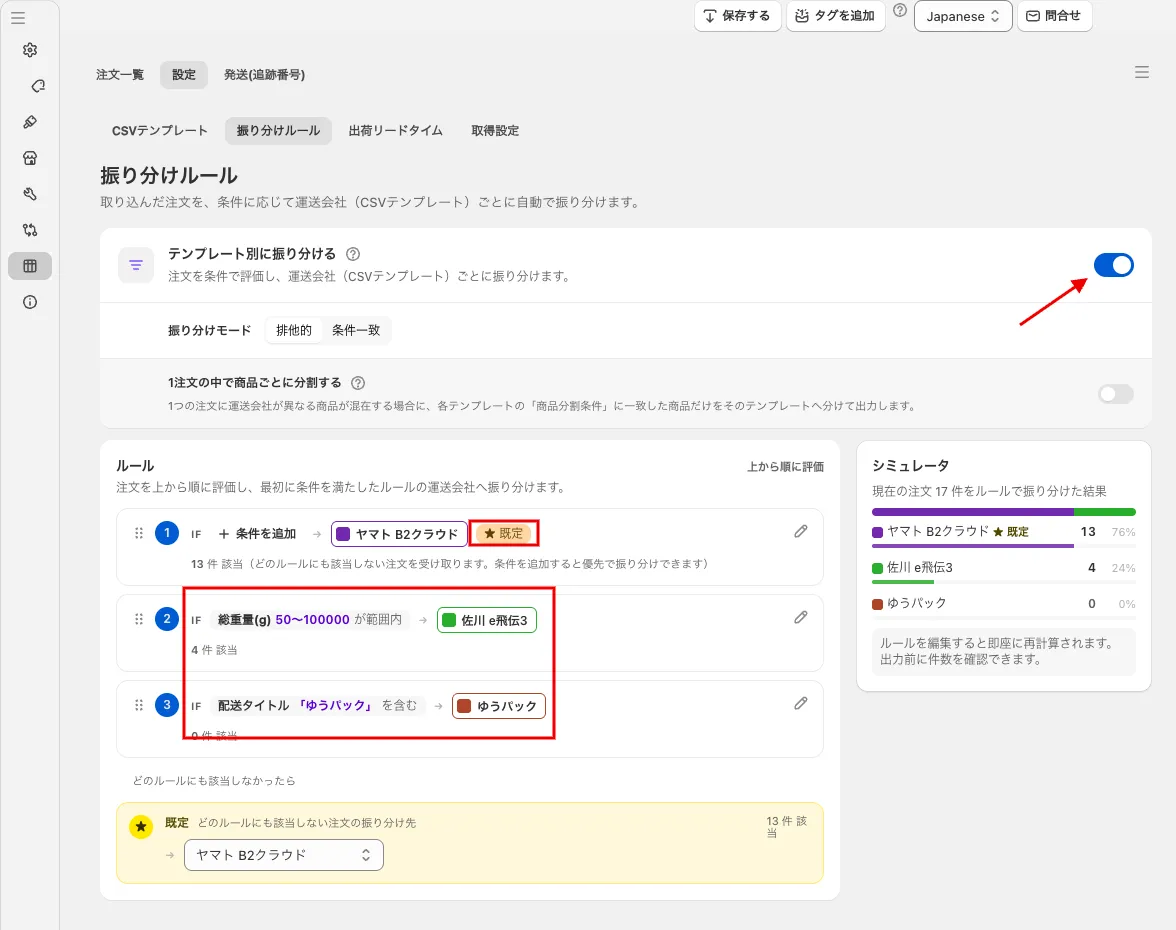 Turn on “Route by template” in the routing rules. Set the condition and template of each rule; orders that match no rule go to the “Default” template
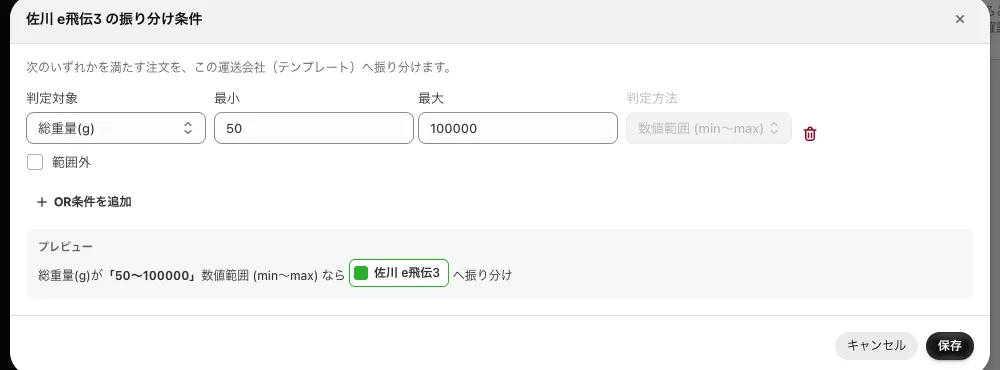 Routing conditions (set conditions by order contents; open them from the pencil icon of a rule)
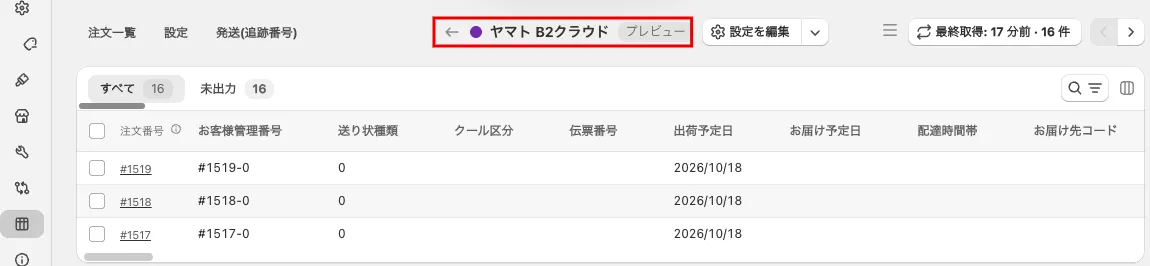 Orders routed to Yamato Transport (Yamato B2 Cloud) (check with the eye button “Preview” of the template in the right panel)
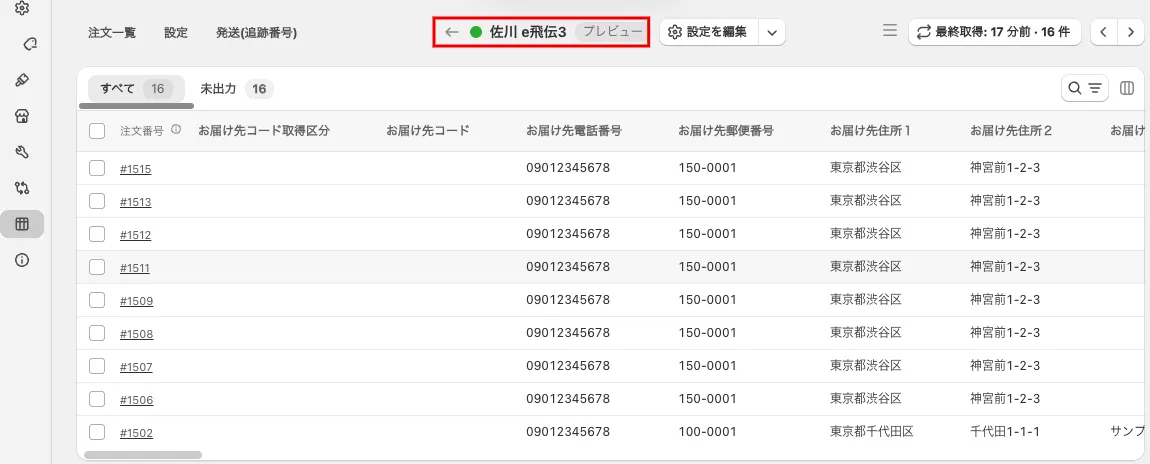 Orders routed to Sagawa Express (Sagawa e-Hiden 3)
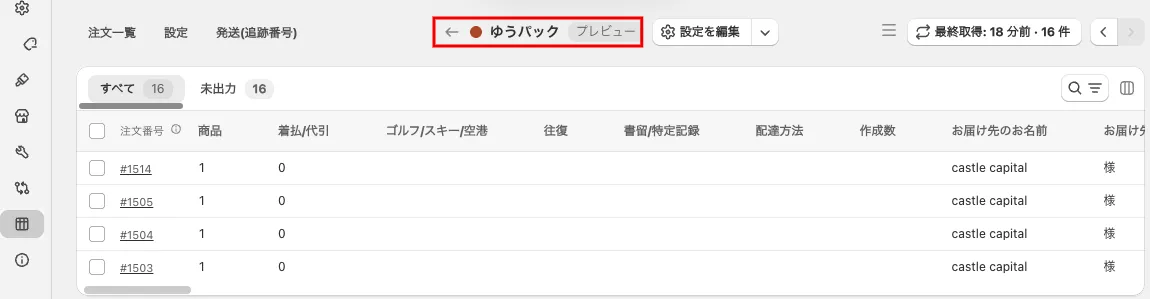 Orders routed to Yu-Pack