Display Google map in notes field
Add Google map to the notes field.
 online shop
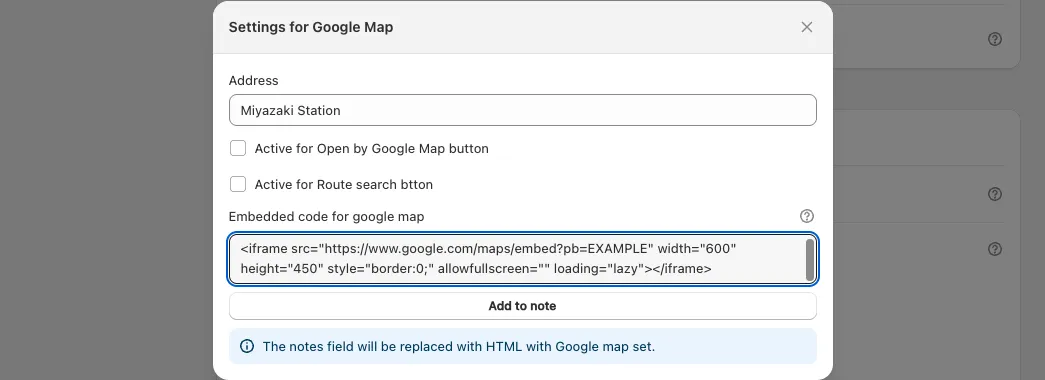 App settings screen
-
Please follow the steps below to obtain the Google map embed code.
Search by address or store name, and when a store appears, press “Share”.
 google map settings screen
From “Embed Map”, “Copy HTML” and paste it into the app.
 google map settings screen
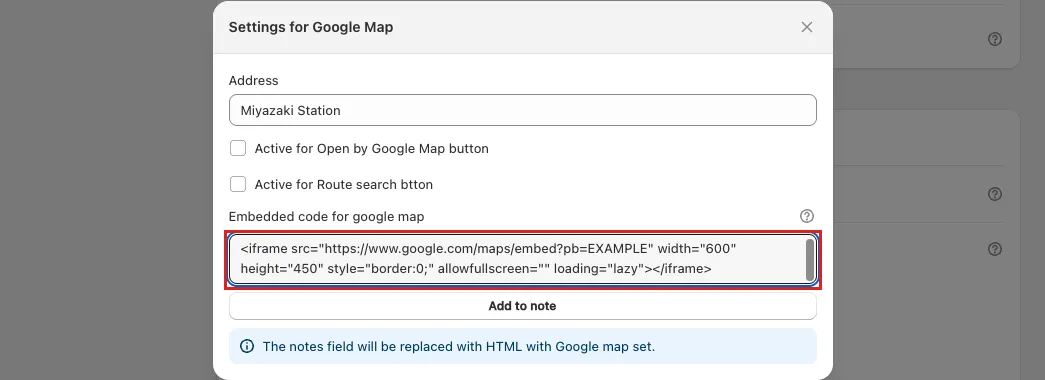 App settings screen
-
Customize the theme => Please set the following css. In the Shopify admin theme editor (Online Store > Themes > Customize), enter it in “Settings of CSS”: open the “CC Delivery Date & Time” app embed (App embeds) if you use the embedded app, or select the “Delivery Date” block if you use the section. It is not entered on the app’s own screens.
#cc-main-note svg {
  display: none;
}
#cc-main-note-context {
  width: 100%;
}
#cc-main-note-context svg {
  display: unset;
}
.cc-calendar-overall .note svg {
  stroke: #111;
}