Reflect Group Settings on Product Page
When the delivery date widget is placed on a product page, by default the available delivery dates are calculated only from the items already in the cart. As a result, the Grouping by Products settings of the currently displayed product are NOT reflected on the product page.
By enabling this option, the available delivery dates are calculated as if the displayed product were already added to the cart, so the grouping settings — including the Multiple Groups setting — are reflected on the product page calendar as well.
How to enable
- Open the “Grouping by Products” section in the app admin.
- Just below the checkbox “When multiple groups’ products are in the cart, use the delivery possible dates for multiple groups’ settings.”, turn ON “Reflect grouping settings on the product page (when the widget is placed on the product page)”.
- Save.
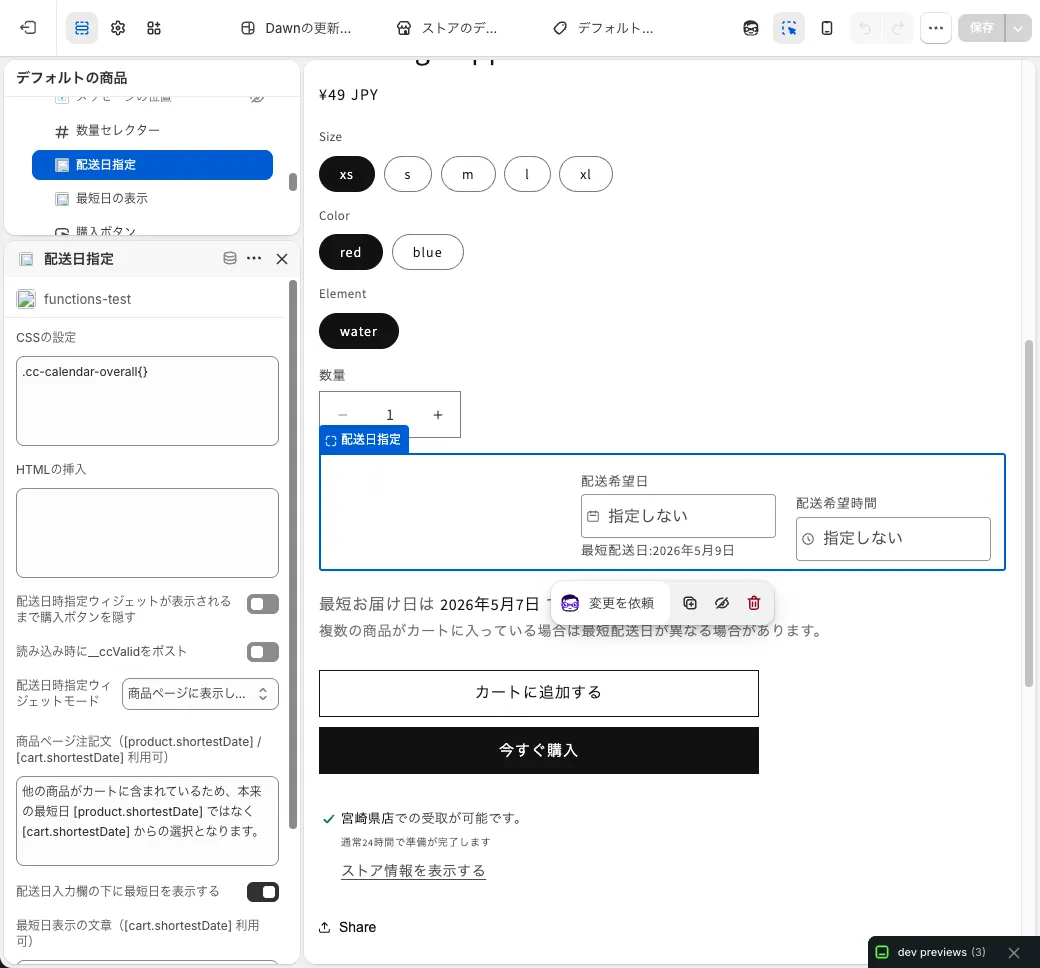 App settings screen
The default is OFF. Turn this ON only if you have placed the delivery date widget (main calendar) on the product page and want the grouping settings to be reflected on it.
Behavior
- When the product page is opened, the currently selected variant (including out-of-stock variants) is virtually added to the cart and the available delivery dates are calculated.
- Switching variants triggers an automatic recalculation.
- If the same variant is already in the cart, it is not added twice.
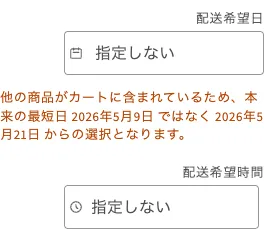 Calendar shown on the product page
- Products targeted by Grouping by Products (Hide on Product Page) are not injected.
Example
Priority (1) Group 1: Available delivery date range 1-7 days / Applied to Product A
Priority (2) Group 2: Available delivery date range 10-20 days / Applied to Product B
- OFF (legacy behavior): With an empty cart, accessing Product B’s product page shows the calendar based on the initial group (Group 1, 1-7 days) because the group cannot be determined.
- ON: In the same situation, Product B is treated as if it were in the cart, so Group 2’s range (10-20 days) is shown.
When the Multiple Groups setting is ON, the available delivery dates are calculated from the intersection of the product on the product page and items in the cart.
Notes
- When other products are already in the cart, the delivery date is shown according to the priority order, so the date may not match the shortest delivery date of the displayed product alone.
If you also enable Show shortest delivery date on the product page, we recommend adding a note such as
” ”
to explain the gap to your customers on the storefront.

Out of scope
- Cart page and checkout page behavior is unchanged (calculation is still based only on items in the cart).
- Pages that display multiple products simultaneously, such as quick view on collection pages, are not supported.