Per-Customer Purchase Limit Override
issue date: 2026-5-15
issue date: 2026-5-15
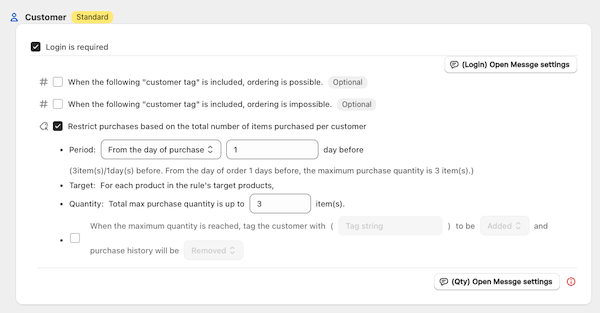
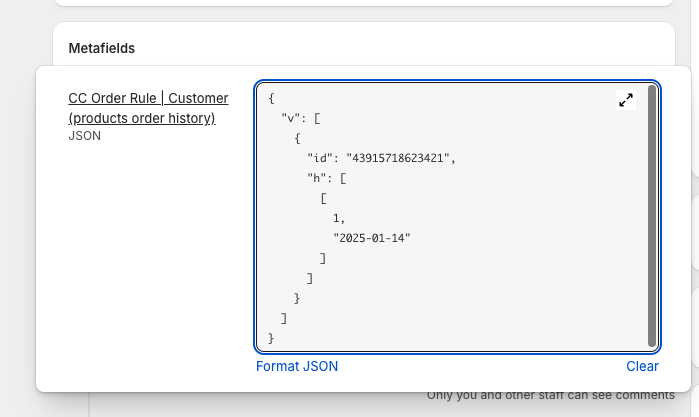
You can override the maximum purchase quantity (set in the group settings of Customer Quantity Limit Per Product) for specific customers individually.
This is useful for use cases such as raising the limit for VIP customers, applying a different limit for wholesale accounts, or imposing a stricter limit on certain customers.
Normally, the maximum quantity set in a group is applied uniformly to all customers who purchase the target products. With this feature, by adding a lo (limit override) entry to an individual customer's metafield, a different limit can be applied to that customer only.
lo is being evaluated, the group's maximum quantity is overridden.lo configured, or whose target variant is not in their lo, are evaluated using the group's original setting.v) is preserved — lo coexists in the same metafield.In the Shopify admin, open the target customer and locate the following metafield:
namespace: cc-order-rule-purchase-products
key: cc-order-rule-purchase-products-key
Open the target product variant in the Shopify admin and extract the numeric ID from the end of the URL.
Example: https://admin.shopify.com/store/<store>/products/<product-id>/variants/46761447063741
→ The variant ID is 46761447063741.
lo field to the JSONAdd a lo array to the metafield's JSON value. Keep the existing v (purchase history) array intact.
v{
"v": [],
"lo": [
{ "variantId": 46761447063741, "max": 11 }
]
}
{
  "v": [],
  "lo": [
    { "variantId": 46761447063741, "max": 11 },
    { "variantId": 46761447063742, "max": 3 }
  ]
}
Once the metafield is saved, the customer's purchase attempts (on the product page and at cart/checkout) will be evaluated against the overridden limit. Display messages such as "Up to N per customer" will also reflect the overridden value.
| Field | Type | Description |
|---|---|---|
variantId |
Number (string also accepted) | The variant ID to override |
max |
Number | The new maximum purchase quantity. Can be larger or smaller than the group's setting |
v field: The existing purchase history is stored in the same JSON. Be careful not to remove v when adding lo.variantId entries: If the same variantId is registered multiple times, the first matching entry in the array is used. Avoid duplicates.lo for a variant that is not part of the group's target products has no effect.lo based on customer tags or purchase history, you will need a custom implementation using Shopify Flow or Webhooks.The lo setting is reflected in both of the following at the same time:
For implementation questions, please contact support at [email protected]. Paid support is also available as needed (for example, if you want to use Shopify Flow to link this limit with the purchase quantity of other products).
Pre-order Sales
Creating a Pre-order Plan
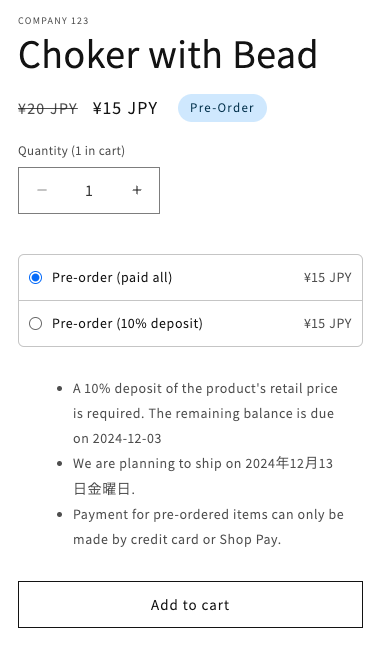
Creating Multiple Pre-order Plans (Switching between regular sales and pre-orders based on inventory levels, etc.)
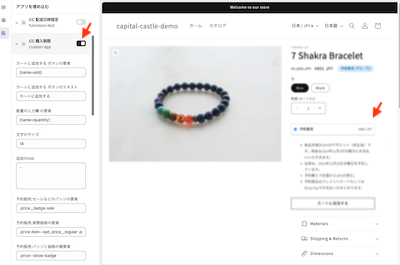
Installation on the Online Store (Product Page)
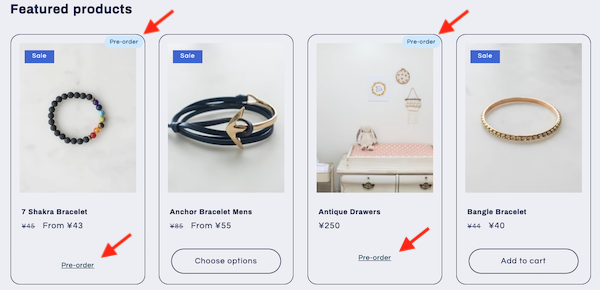
Installation on the Online Store (Collection Page)
Automatic Tagging of Customers Upon Purchase and Adding Customer Metafields
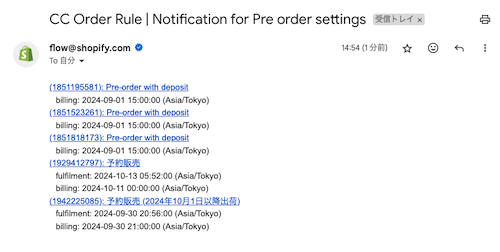
Reminder Emails for Payment and Shipping Deadlines
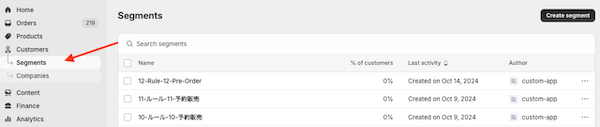
Creating a Segment (Sending emails only to customers who purchased pre-order products)
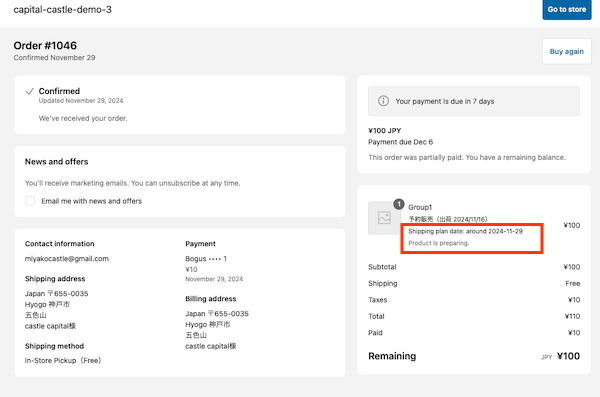
Managing and Displaying Shipping Schedules